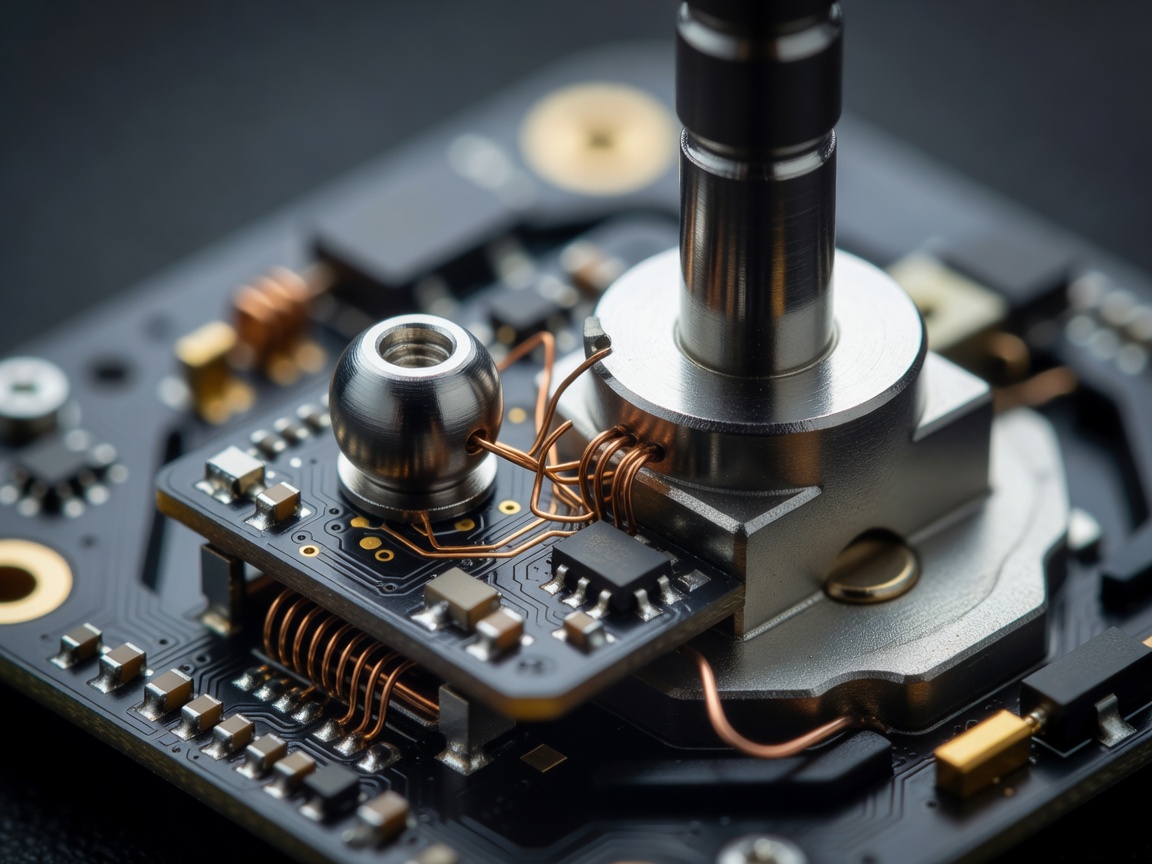
What “neutral” actually means
A stick rarely occupies one mathematically perfect coordinate. Its resting output is better understood as a small distribution of readings around a center. Mechanical tolerances, spring return, sensor resolution and electrical noise can all contribute to variation. A game may translate that variation into movement if its dead zone is narrow; a wider dead zone may hide the symptom while also reducing fine control near center. Those are different observations, not proof that the hardware has been repaired or has failed.
Begin by describing the symptom precisely. Does the on-screen input move continuously, flicker briefly, or appear only after a full deflection? Does it affect one axis or both? Does the stick physically return to the same place? Capture what happens in a neutral input display if available, then repeat after leaving the controller untouched for a consistent interval. Record the platform, game or tester, calibration state, connection mode and dead-zone setting. A short note that preserves these conditions is more useful than “it drifts.”
Separate causes from confounders
- Mechanical return
- How consistently the stick returns after movement; observe across repeated directions and amplitudes.
- Sensor output
- The electrical or digital position reported by the mechanism, which may vary around its rest reading.
- Dead zone
- A software threshold that suppresses small reported movements, potentially masking rather than resolving variation.
- Confounder
- A setup condition that changes the reading, such as calibration, an active profile or the test application.
Before assigning a cause, check for active remapping or calibration software and compare more than one compatible input display. Disconnect other input devices where practical. Make only one adjustment at a time, and restore the baseline setting before the next comparison. If the signal changes when the tester changes but not when the controller changes, the instrument or configuration deserves attention. If the movement persists across controlled checks, that supports the symptom’s repeatability, but it does not by itself identify a particular internal component.
A repeatable bench protocol
| Stage | Action | Record |
|---|---|---|
| 1 · Baseline | Place the controller on a stable surface; allow the stick to rest untouched. | Device, platform, connection and software settings. |
| 2 · Observe | Sample the neutral output for a fixed interval; repeat the observation. | Range, direction, time pattern and number of runs. |
| 3 · Exercise | Move through the same directions and approximate amplitudes, then release. | Return behaviour, pauses and any irregularity. |
| 4 · Check | Change one suspected confounder and rerun the baseline. | What changed, what stayed constant and remaining uncertainty. |
Testing methodology: make the comparison fair
Use the same sample duration, display scale and input path when comparing two controllers. If the tool provides a numerical stream, retain the raw readings rather than relying only on a visual trace. Note whether values are normalized, filtered or rounded. Repeat the complete sequence on more than one occasion; a single unusual excursion may be real but should not be treated as a typical pattern until it recurs.
Do not infer serviceability, remaining life or a universal drift threshold from a casual desktop test. Different games use different dead-zone curves and sensitivity settings. A controller can appear stable in one environment and produce visible movement in another. Describe the context and the observed output, then distinguish that evidence from a proposed explanation. If a test requires opening hardware, document that as a separate procedure; this guide makes no teardown finding.
Reading the result
The most useful conclusion may be deliberately modest: “The neutral output moved on three of four runs in this configuration; the result changed after calibration.” That sentence tells a reader what was tested and avoids turning correlation into certainty. Follow the same discipline when evaluating a fix. A setting that hides unwanted movement may be the right practical choice for a player, while a hardware diagnosis requires independent evidence.
A symptom is a starting point, not a verdict. Preserve the baseline, record each change, and say what remains unknown.
Next: follow the worn contact →